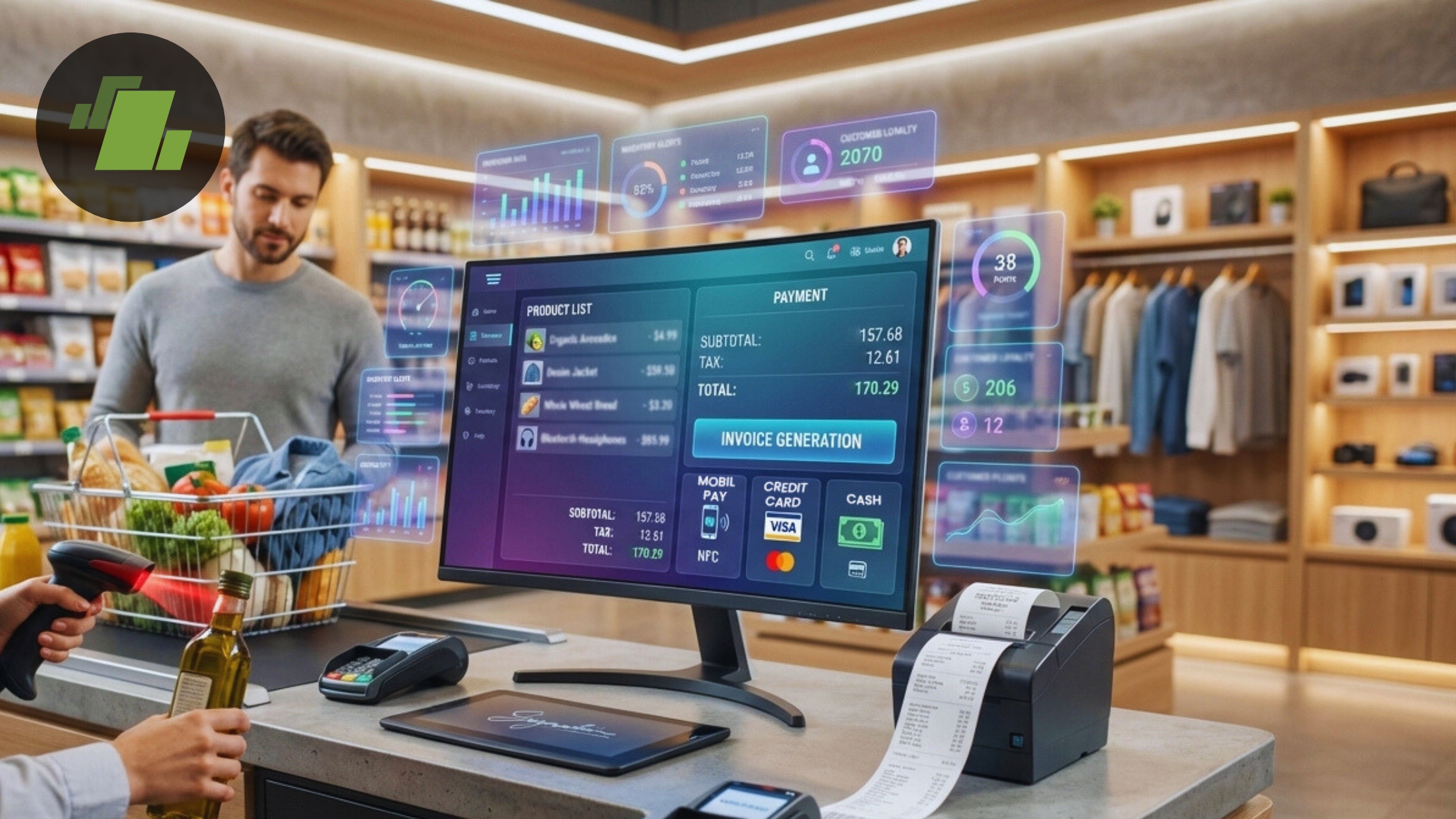
Choosing the right billing software is one of the most important decisions for any business. With so many options available today, business owners often face a common question: should they go for free billing software or invest in a paid solution?
Both options come with their own advantages and limitations. The right choice depends on your business size, needs, and future growth plans. In this article, we’ll compare free and paid billing software to help you make the best decision in 2026.
What is Billing Software?
Billing software is a tool that helps businesses manage invoicing, payments, inventory, and financial records. It simplifies daily operations by automating tasks that would otherwise require manual effort.
From small shops to large enterprises, billing software has become essential for improving efficiency and accuracy.
What is Free Billing Software?
Free billing software is a solution that provides basic billing features at no cost. It is ideal for small businesses, startups, and individuals who are just starting out.
Features of Free Billing Software
- Basic invoice generation
- GST billing
- Simple inventory tracking
- Limited reports
- User-friendly interface
Advantages of Free Billing Software
1. No Initial Cost
The biggest benefit is that it is completely free, making it perfect for businesses with limited budgets.
2. Easy to Use
Free tools are usually simple and designed for beginners.
3. Quick Setup
You can start using it immediately without complex installation.
4. Ideal for Small Businesses
Perfect for small shops, freelancers, and startups with basic needs.
Limitations of Free Billing Software
While free billing software is useful, it also has some limitations:
- Limited features
- Restricted data storage
- No advanced reporting
- Limited customer support
- Fewer customization options
As your business grows, these limitations may become a challenge.
What is Paid Billing Software?
Paid billing software offers advanced features and capabilities designed for growing and large businesses. It usually comes with subscription plans or one-time purchase options.
Features of Paid Billing Software
- Advanced invoicing
- Detailed reports and analytics
- Multi-user access
- Cloud storage and backup
- Integration with other tools
- Priority customer support
Advantages of Paid Billing Software
1. Advanced Features
Paid software provides powerful tools for managing complex business operations.
2. Scalability
It grows with your business and supports higher transaction volumes.
3. Better Security
Paid solutions often offer enhanced data protection and backup options.
4. Professional Support
You get access to customer support for troubleshooting and guidance.
Limitations of Paid Billing Software
- Requires investment
- May have a learning curve
- Ongoing subscription costs
For small businesses, the cost can sometimes be a concern.
Free vs Paid Billing Software: Key Differences
| Feature | Free Billing Software | Paid Billing Software |
| Cost | Free | Paid |
| Features | Basic | Advanced |
| Scalability | Limited | High |
| Support | Limited | Full support |
| Customization | Minimal | Extensive |
Which One Should You Choose?
Choose Free Billing Software If:
- You are a startup or small business
- You have a limited budget
- Your billing needs are simple
- You want to test digital tools
Choose Paid Billing Software If:
- Your business is growing
- You need advanced features
- You handle large volumes of transactions
- You require detailed reports and analytics
Best Approach: Start Free, Upgrade Later
A smart strategy is to start with free billing software and upgrade to a paid version as your business grows. This allows you to understand your needs before investing in advanced tools.
Many software providers offer both free and paid versions, making it easier to transition when needed.
Conclusion
Both free and paid billing software have their own advantages. The right choice depends on your business requirements and growth stage.
- Free billing software is ideal for beginners and small businesses
- Paid billing software is suitable for scaling and advanced operations
In 2026, the key is to choose a solution that fits your current needs while allowing room for future growth.
By selecting the right billing software, you can improve efficiency, reduce errors, and take your business to the next level.